> For the complete documentation index, see [llms.txt](https://nextsky.gitbook.io/glozin-theme/llms.txt). Markdown versions of documentation pages are available by appending `.md` to page URLs; this page is available as [Markdown](https://nextsky.gitbook.io/glozin-theme/fixed-group/fake-order.md).
# Fake order
## Section settings
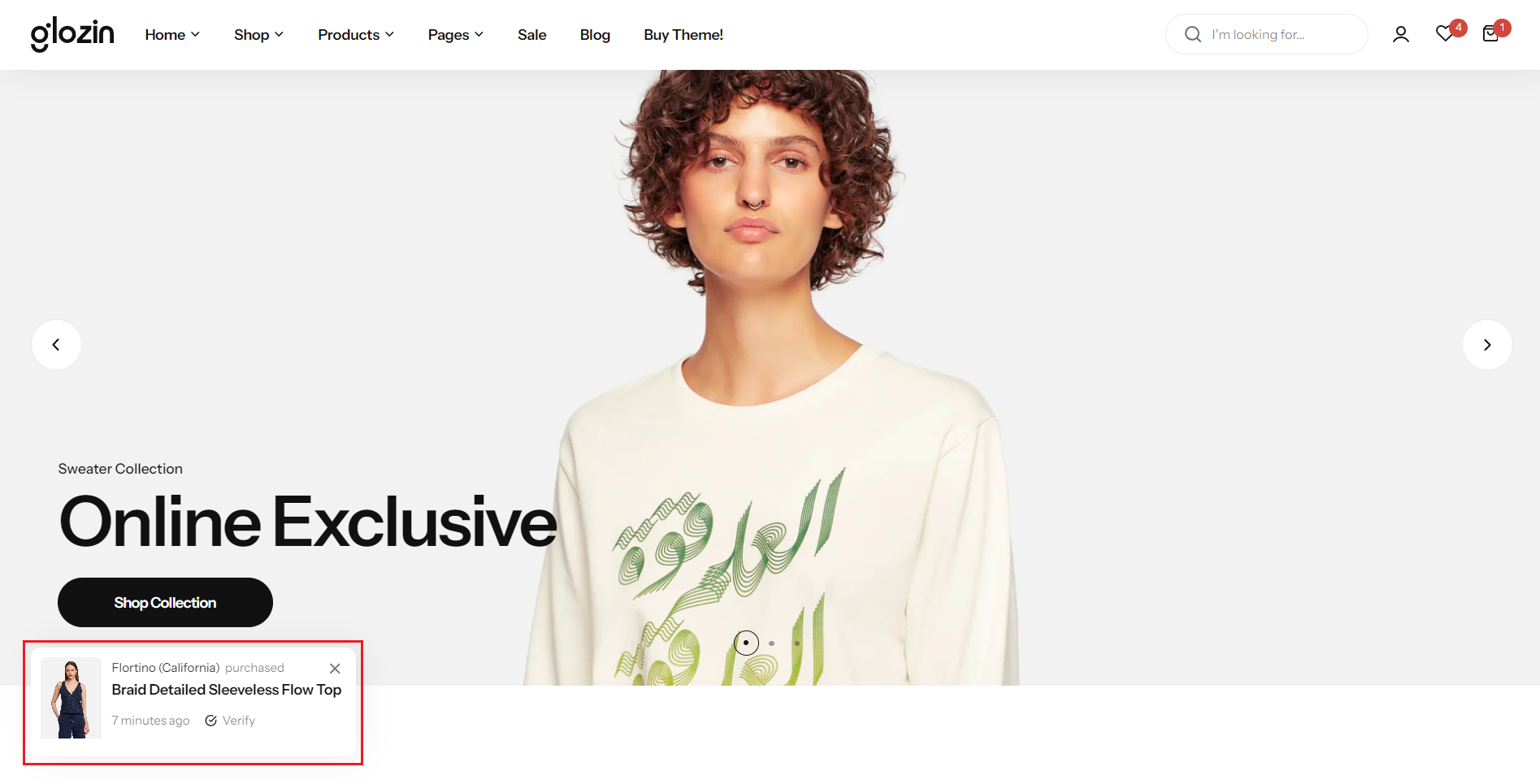
**Show fake order:** Choose whether to display the feature on both screens.
**Disable in mobile:** Choose whether to display the feature on mobile devices.
**Select product:** Select a specific product to present as part of a simulated order.
**List user purchased:** Create a list of fictitious usernames to mimic customer purchases, enhancing the appearance of activity and engagement with your products.
**Verify label:** Set a "Verify Label" for authenticity or special status
**Delay time:** Adjust the "Delay Time" to manage intervals between showcasing products.
**Display time:** Define "Display Time" to control how long each product is shown, creating a dynamic and engaging presentation for viewers.
.png?alt=media)