> For the complete documentation index, see [llms.txt](https://nextsky.gitbook.io/glozin-theme/llms.txt). Markdown versions of documentation pages are available by appending `.md` to page URLs; this page is available as [Markdown](https://nextsky.gitbook.io/glozin-theme/other-pages-settings/compare.md).
# Compare
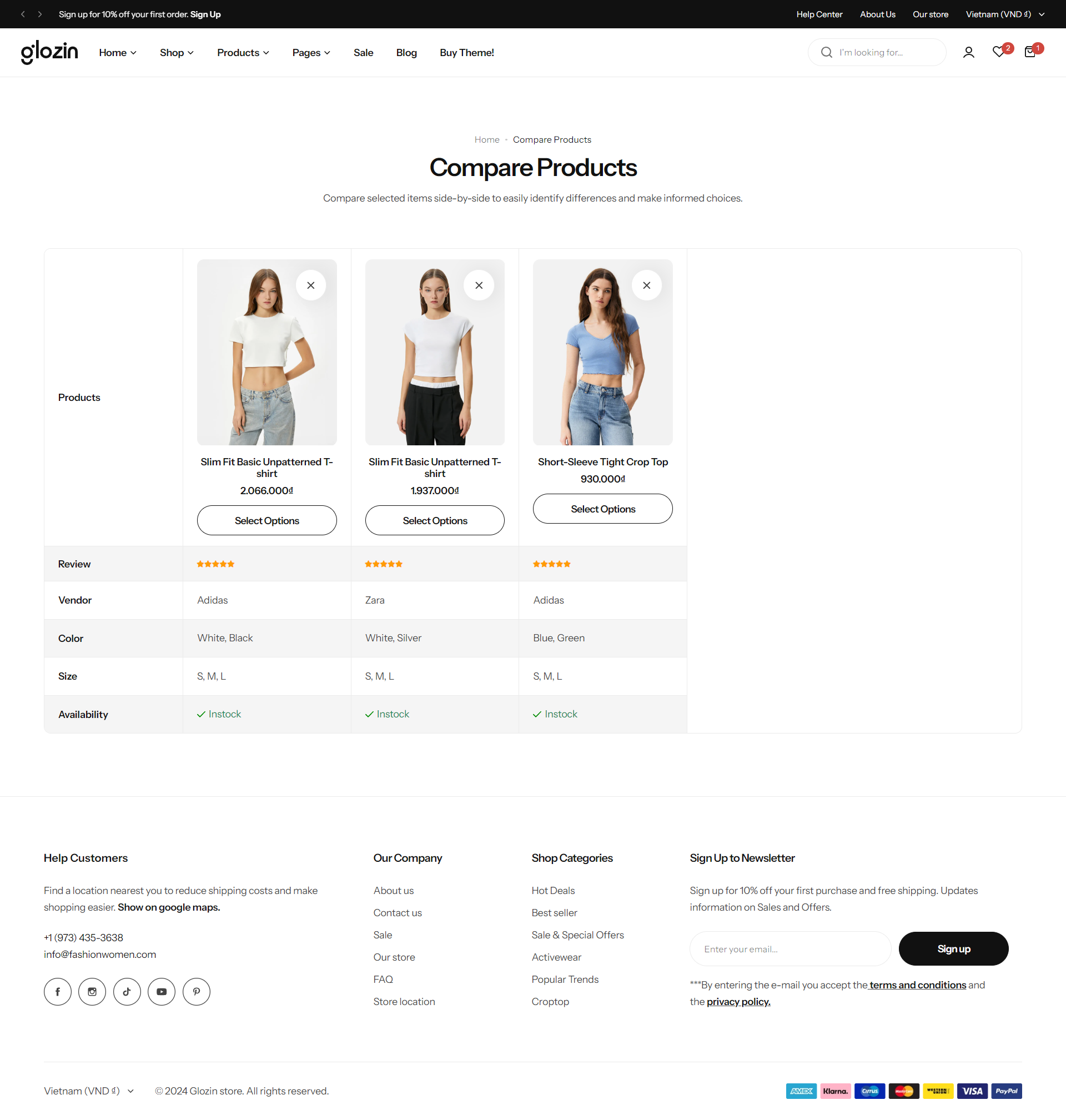
The customer can easily compare the products, check the complete specification and buy the product as her/his requirement.
{% hint style="success" %}
Steps
1. In the theme editor **(Customize)**, open the template selector
2. Select **Pages**, then **Compare.**
3. Make necessary changes
4. **Save**
{% endhint %}
## Section settings
**Section width:** You can choose among Fluid container, Full width, Stretch width for the banner layout.
Section padding allows you to specify the space between this section and the preceding or following sections, or both.
.png?alt=media)