> For the complete documentation index, see [llms.txt](https://nextsky.gitbook.io/glozin-theme/llms.txt). Markdown versions of documentation pages are available by appending `.md` to page URLs; this page is available as [Markdown](https://nextsky.gitbook.io/glozin-theme/other-pages-settings/faqs.md).
# Faqs
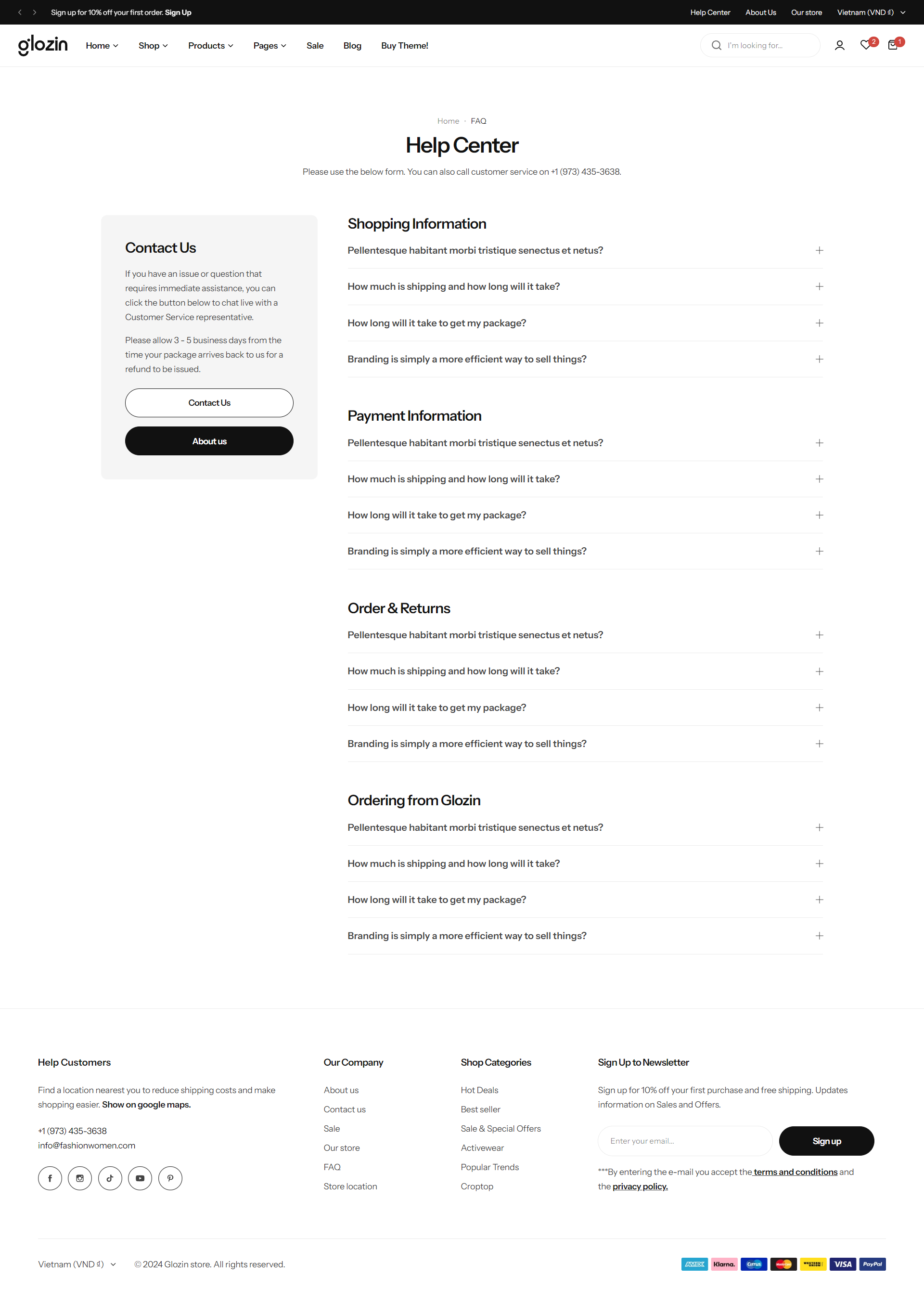
Create beautiful FAQ page, support page or product FAQs
{% hint style="success" %}
Steps
1. In the theme editor **(Customize)**, open the template selector
2. Select **Pages**, then **Faqs.**
3. Make necessary changes
4. **Save**
{% endhint %}
## Section settings
### Section header and general
Utilize the text fields provided to input your desired content. If you prefer not to display any content, simply leave the fields blank.
You have the option to add up to two buttons in this section by populating their respective text fields. Additionally, you can specify direct links for these buttons and adjust their styling to match your website's design aesthetic. This feature allows for greater customization and functionality, enhancing user interaction on your site.
### Section padding
Section padding allows you to specify the space between this section and the preceding or following sections, or both.
## Blocks settings
### Title
In this block, you can define the subject name for a specific set of FAQs, categorizing them under a common theme or topic.
### Question
This block is designated for inputting your frequently asked questions (FAQs) and their corresponding answers.
.png?alt=media)
.png?alt=media)
.png?alt=media)
.png?alt=media)
.png?alt=media)