> For the complete documentation index, see [llms.txt](https://nextsky.gitbook.io/purity-theme/llms.txt). Markdown versions of documentation pages are available by appending `.md` to page URLs; this page is available as [Markdown](https://nextsky.gitbook.io/purity-theme/group-blocks/basic/button.md).
# Button
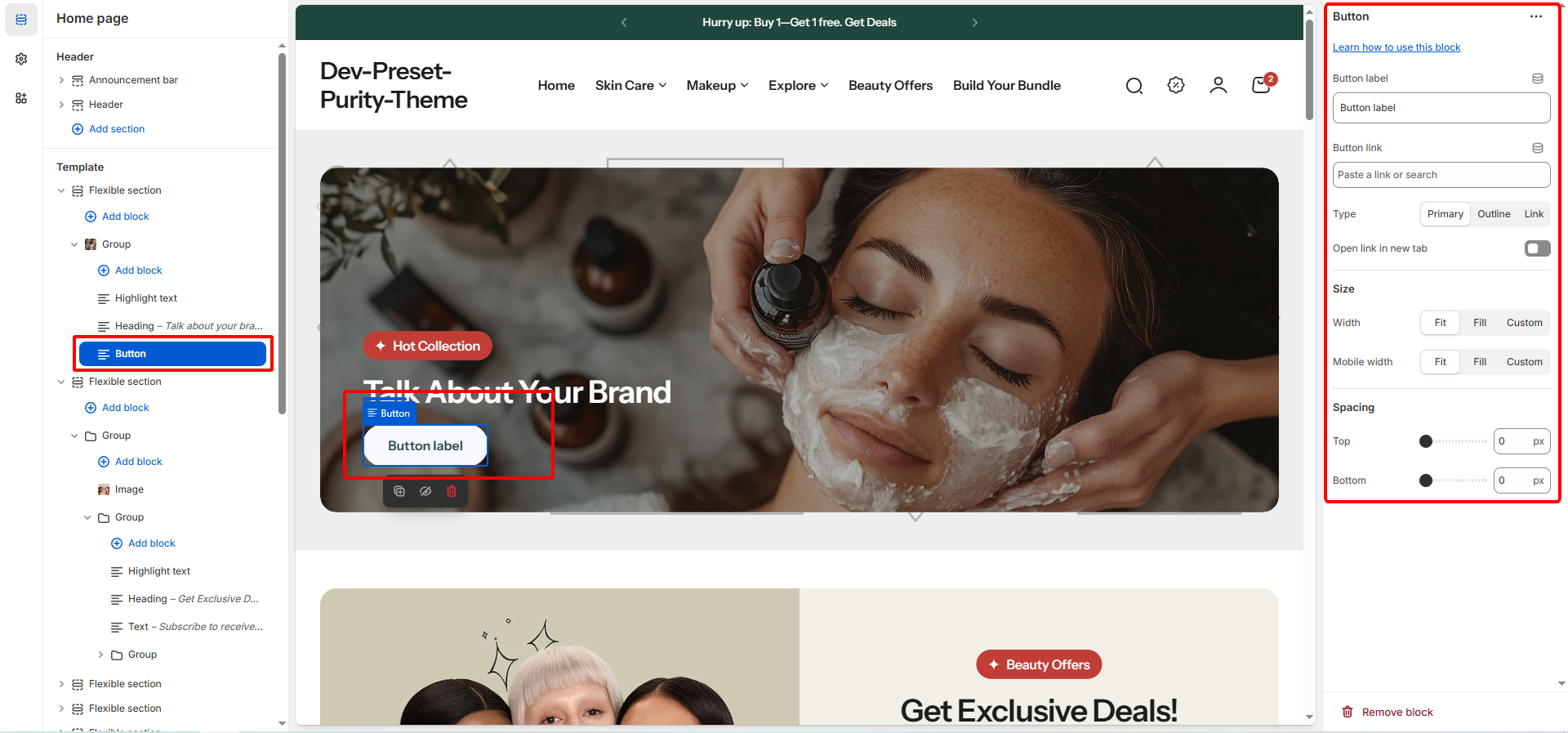
The **Button** block lets you add one or two call-to-action buttons to direct customers to important pages, such as sign-in or account creation,... You can customize the label, link, style, and whether the link opens in a new tab.
## General settings
| Setting | Description |
| ------------------------ | --------------------------------------------------------------------------------------------------------------------------------------- |
| **Button label** | The text displayed on the button (e.g., "Shop Now," "Learn More"). Default is "Button label." |
| **Button link** | The URL the button navigates to when clicked. This can be an internal page, product, or an external website link. |
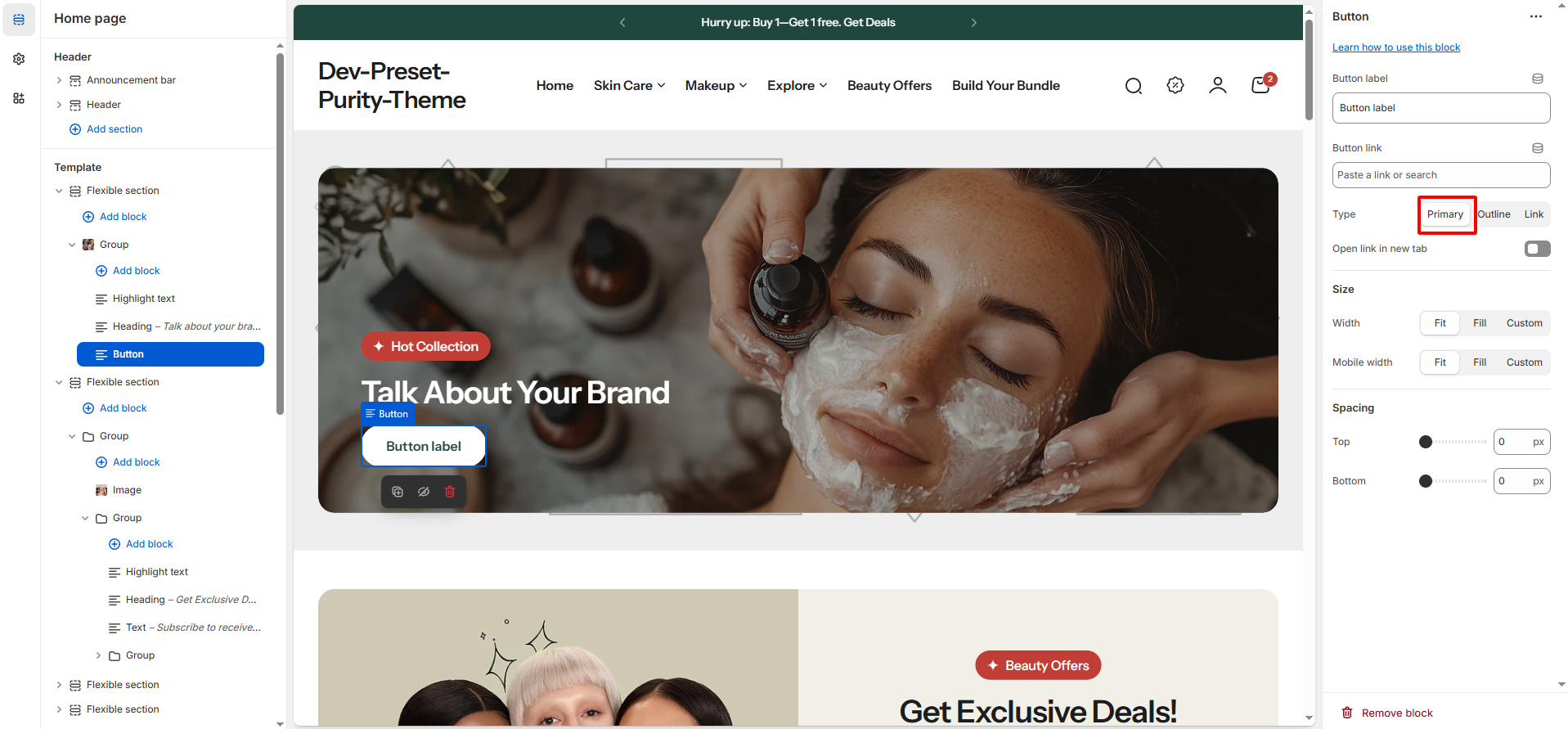
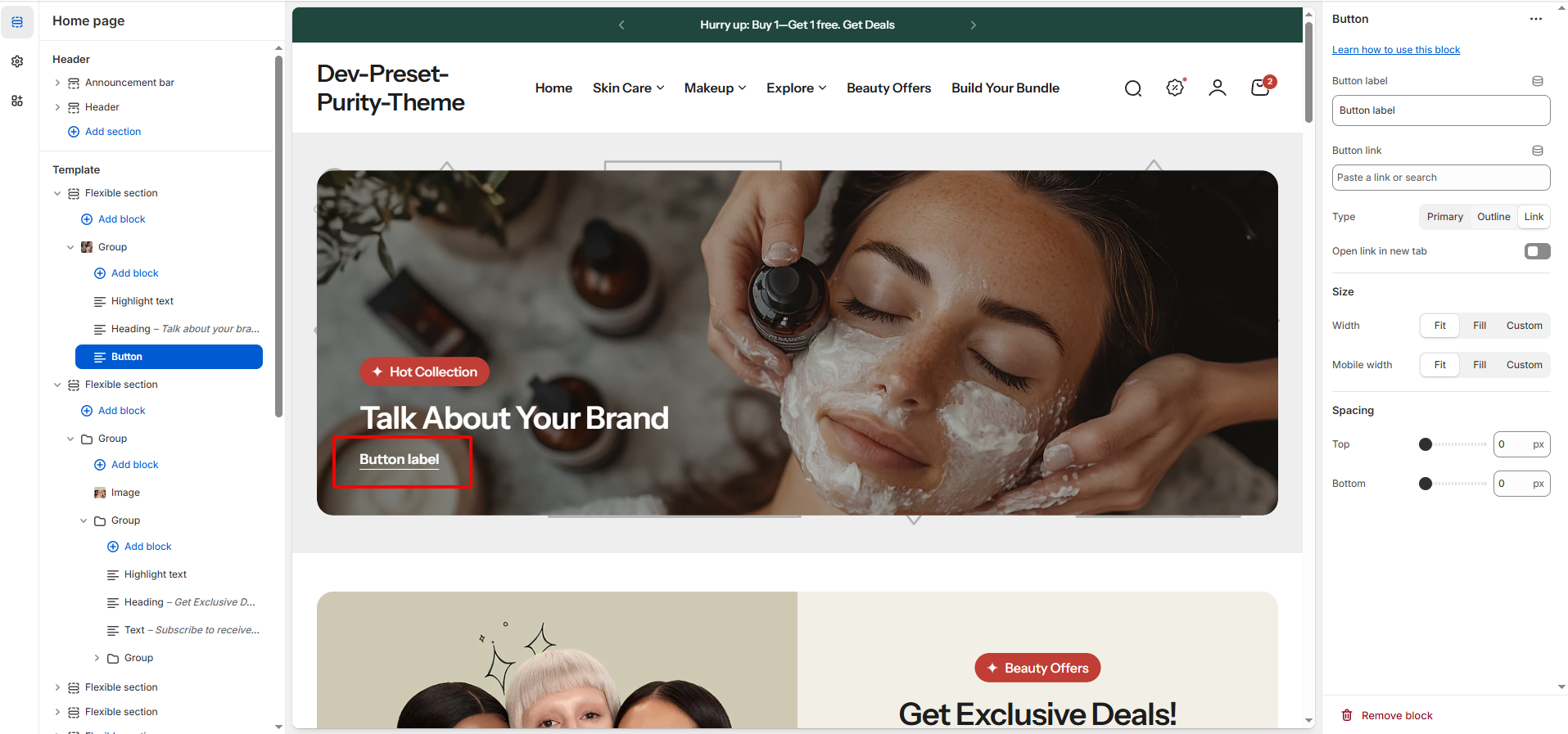
| **Type** |
The style of the button
Primary
Outline
Link
|
| **Open link in new tab** | Use this option to keep users on your store while allowing them to explore external or additional content. |
Purity theme supports three predefined button styles. You can select the desired style in the theme settings to match your store’s design requirements:
{% tabs %}
{% tab title="Primary" %}
{% endtab %}
{% tab title="Outline" %}
{% endtab %}
{% tab title="Link" %}
{% endtab %}
{% endtabs %}
## Size
These settings control the width the button block occupies within the section.
Setting
Applies To
Description
Width
Desktop
Defines the width of the button block on larger screens:
Fit (Size determined by content)
Fill (Expands to fill available space)
Custom (Allows setting a specific percentage width).
Mobile width
Mobile
Defines the width of the button block on smaller screens:
Fit,
Fill
Custom.
## Spacing
These settings control the external spacing (padding) applied directly above and below this specific block.
| Setting | Description |
| ------- | ---------------------------------------------------------------------------------------------------------------- |
| Top | Sets the amount of empty space (padding) above this button block. Measured in pixels (px) (Range: 0px to 100px). |
| Bottom | Sets the amount of empty space (padding) below this button block. Measured in pixels (px) (Range: 0px to 100px). |