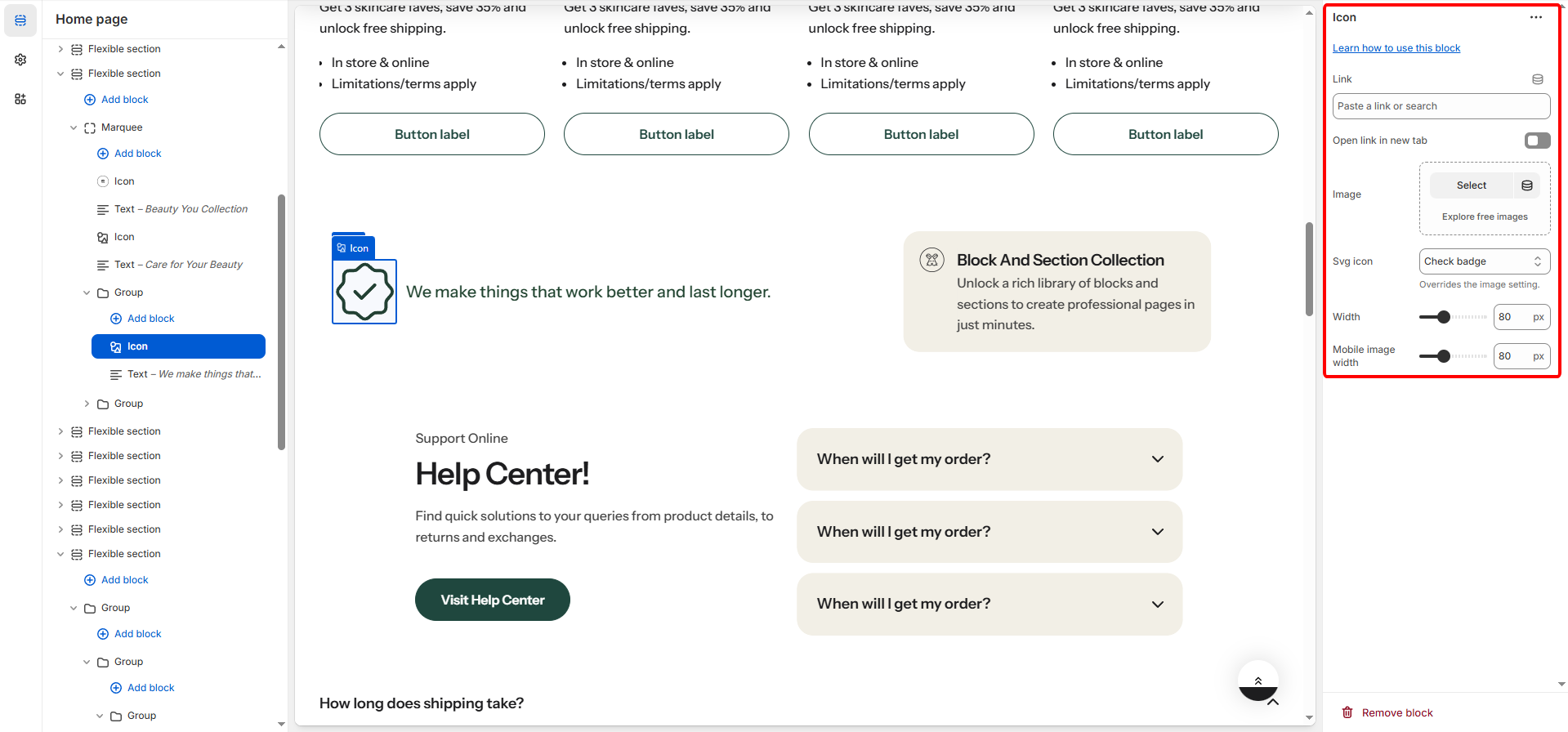
| Image | Allows you to upload a custom image to use instead of a predefined SVG icon. |
| Svg icon | Select the theme's available icon set |
| Link | The URL the icon/image navigates to when clicked. This can be an internal page, product, or an external link. |
| Open link in new tab | A checkbox that, when enabled, ensures the linked URL opens in a new browser tab when the icon/image is clicked. |
| Setting | Applies To | Description |
|---|---|---|
| Image Width | Desktop | Defines the width of the icon or image on larger screens, measured in pixels (px) (Range: 20px to 200px). |
| Mobile Image Width | Mobile | Defines the width of the icon or image specifically on mobile devices, measured in pixels (px) (Range: 20px to 200px). |